
Imagine this scenario. You are a chef running a successful restaurant. You just updated the ingredients for your signature dish and want your customers to know. Or maybe you are a teacher who just finished recording a new masterclass video for your curriculum. You are excited to add this to your beautiful, custom-built website.
Instead of logging in and simply clicking “update,” you realize you have to email the development team you contracted a year and a half ago. You have to wait for their availability. You have to hope they understand your formatting request. Then, you end up paying them billable hours for what should have been a five-minute task.
You deserve to own your platform. When you order a custom website, you should not just be buying the public-facing pages. You should be getting an admin portal.
Demystifying the Industry Jargon
If you start talking to development agencies, you will inevitably hear a lot of technical jargon. The industry term for the admin portal setup we are talking about is a “Headless CMS” (Content Management System).
In a traditional website build, the “head” (the visual design your visitors see) and the “body” (the database where your text is stored) are tightly fused together. In a headless architecture, they are separated.
Why does this matter to you? It means your developers can build a beautiful and lightning-fast frontend for your visitors, while simultaneously giving you a secure, private dashboard to manage the database yourself. You get the best of both worlds.
What a Good Admin Portal Should Do
A professional admin portal puts you in the driver’s seat. It gives you the tools to manage your digital presence on your own terms. Here is what you should expect it to handle.
1. Effortless Content Editing
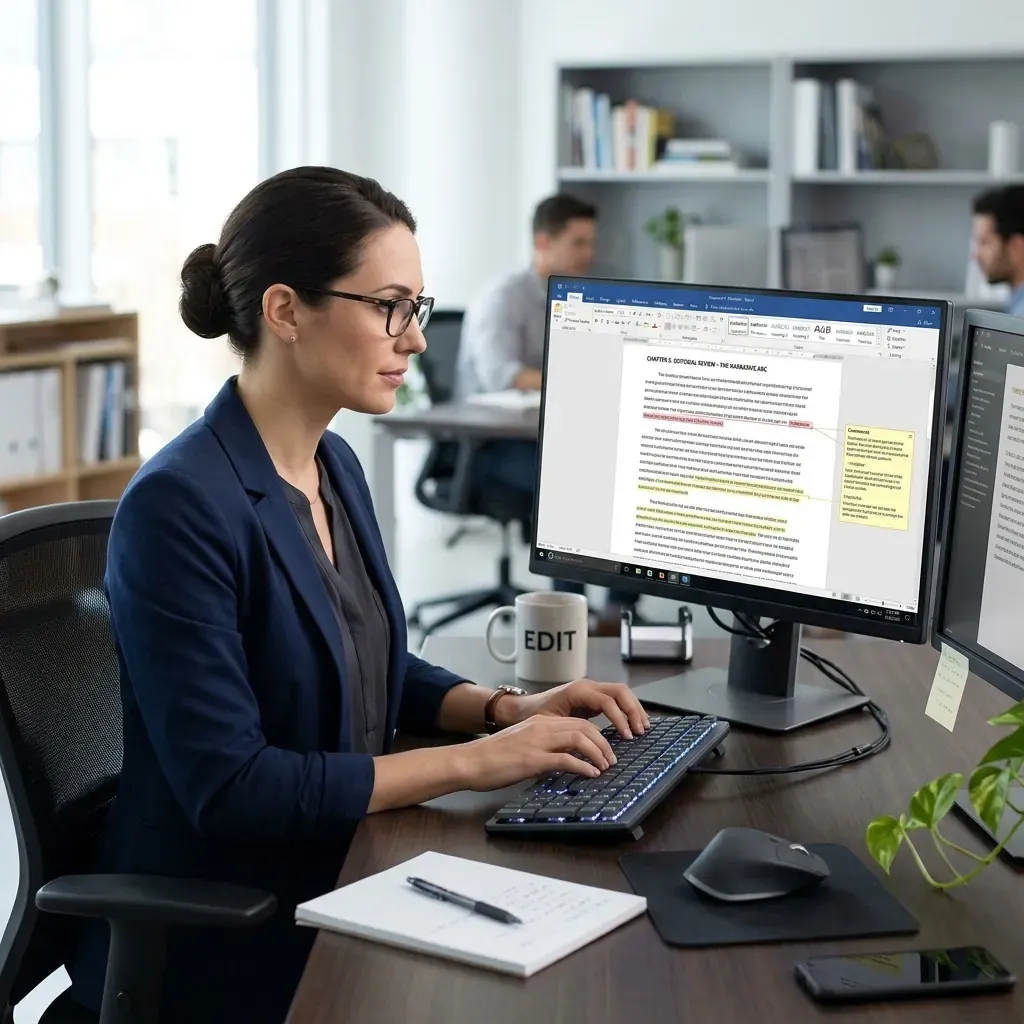
When you type into your portal, you are simply updating text values in a database. The frontend website automatically pulls those values and wraps them in the correct HTML, fonts, and brand colors. Your content goes live instantly. Depending on how your portal is built, you might also have features like scheduling. This lets you plan ahead and automatically publish a post at 8:00 AM on a Monday. You might also have device previewing to see exactly how your new page looks on a mobile phone before you hit publish. Some platforms even include drag-and-drop capabilities for rearranging sections of your page visually.
2. A Built-in Feedback Loop
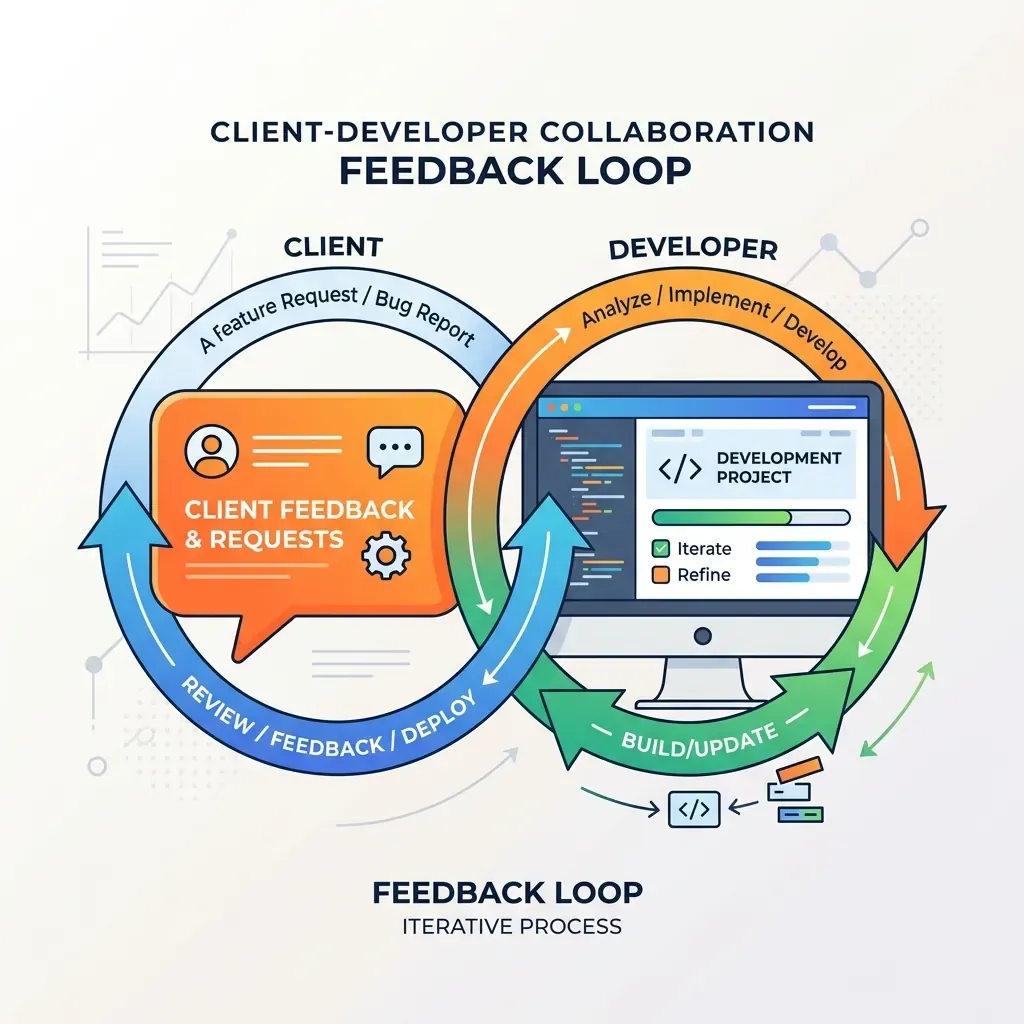
Your admin portal should not just be a text editor. It should be your direct line of communication with your development team. A great portal includes a dedicated space for you to submit platform feedback, feature requests, or bug reports directly from the interface.
This transforms a frustrating and lost email chain into an organized, collaborative roadmap. You can submit ideas as you work, and your developers can see exactly what you need to improve your site over time.
3. First-Party Analytics and Making Better Decisions
Forget relying entirely on invasive third-party tracking cookies. Your portal can provide you with clean, first-party analytics.
Data is the new gold. Having access to your own analytics is how you make informed decisions to grow your business. When you can see exactly which pieces of your content are getting the most traffic, you know where to double down. If your Grade 5 science curriculum is getting massive engagement, you know that is where you should spend your time recording companion videos.
Conversely, analytics will show you where your efforts are not paying off. If you spent weeks writing a comprehensive guide that nobody is reading, you have choices. You can either cut your losses and stop producing that type of content, or you can make a strategic marketing decision. You might decide to run a sponsored paid campaign to direct traffic specifically to that underperforming guide. Your data gives you the confidence to make those choices.
The Power of Guardrails and Why Less is More

Here is a hard truth. You are an expert in your field. You are an incredible chef, a brilliant teacher, or a visionary publisher. You are not a web developer or a UI designer.
Sometimes, when clients hear about an admin portal, they ask for total freedom. They want to change fonts, drag images anywhere, and recolor buttons. The danger of total freedom is the paradox of choice. When you have too many options, you either freeze up and make no choices, or you accidentally break the layout and ruin the professional look of your site.
This is where your developer team needs to build Guardrails.
Guardrails are intentional restrictions placed on your admin portal. For example, your portal might allow you to drop a link to a YouTube video. However, the system strictly dictates that the video will only appear in one perfectly styled, mobile-responsive spot at the bottom of the page.
It sounds counterintuitive, but restricting your choices actually allows you to move faster. You never have to worry about margins, padding, or breaking the mobile view. You just paste the link, and the guardrails guarantee a perfect result every single time. It protects your brand and keeps your site looking pristine.
Self-Hosted vs. Third-Party Subscriptions
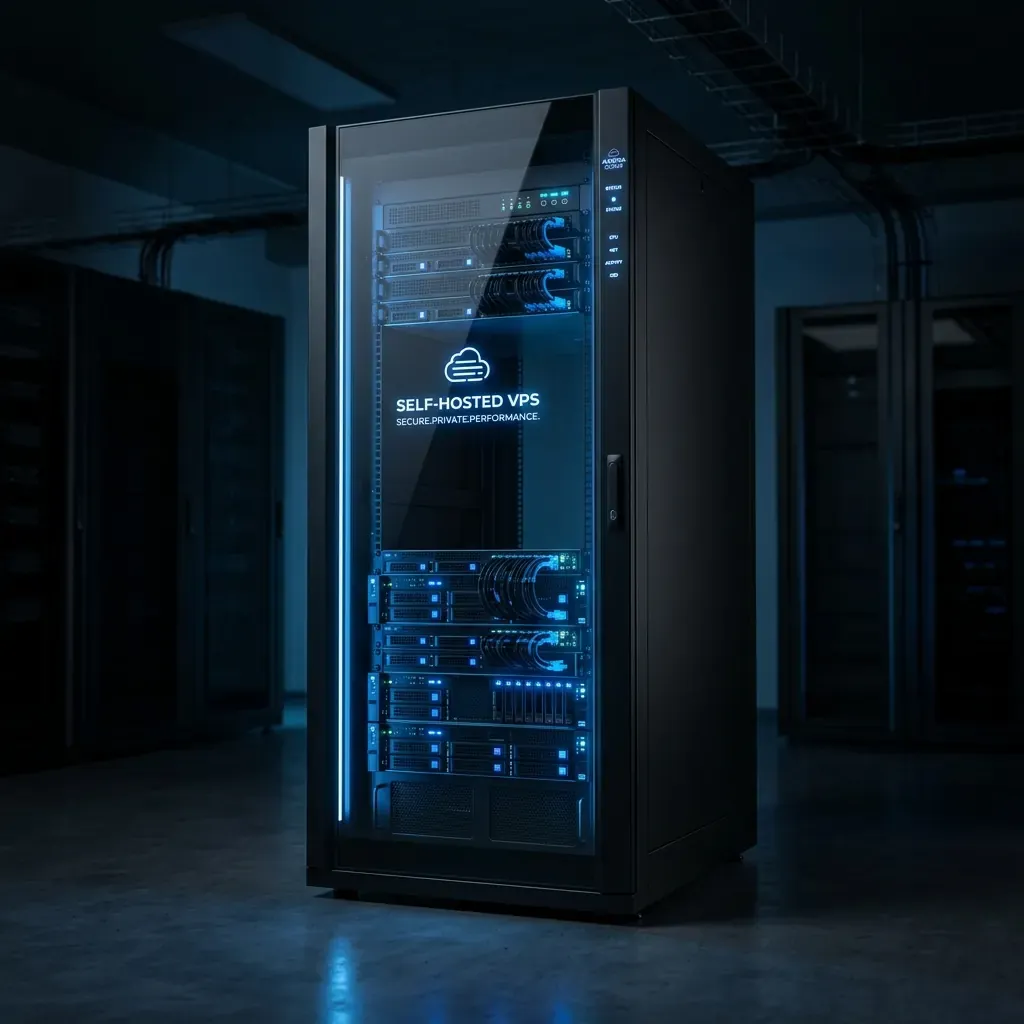
When you decide to get an admin portal, you generally have two routes. You can pay a monthly subscription to a third-party SaaS (Software as a Service) company, or you can have your developer build a bespoke, Self-Hosted portal on your own VPS (Virtual Private Server).
The Third-Party Subscription (SaaS)
Platforms like Contentful or Sanity are massive, powerful systems.
- The Pros: They have huge feature sets out of the box. You get advanced asset management and visual document versioning. They also require zero server maintenance on your end.
- The Cons: You are renting your infrastructure. You pay monthly fees that scale up as your traffic or your team grows. You are also locked into their way of doing things. If you need a highly specific feature, you either cannot have it, or you have to pay for an expensive enterprise tier.
The Self-Hosted VPS
This is a bespoke portal built specifically for you, hosted on a private server that you control.
- The Pros: Ultimate ownership and zero monthly software subscription fees. You own the stack completely. The portal is tailored exactly to your unique business logic. You do not have to navigate through the bloat of a thousand features you will never use.
- The Cons: It requires a developer to initially build and occasionally maintain the server infrastructure. You are responsible for keeping the server secure and backed up.
The Bottom Line
Whether you choose a subscription or a self-hosted VPS, the overarching goal remains the same. You want independence.
By demanding an admin portal with your custom website, you free yourself from being reliant on contractual web teams for minor updates. You reclaim your time. You save your money. Most importantly, you take absolute ownership of your digital presence.